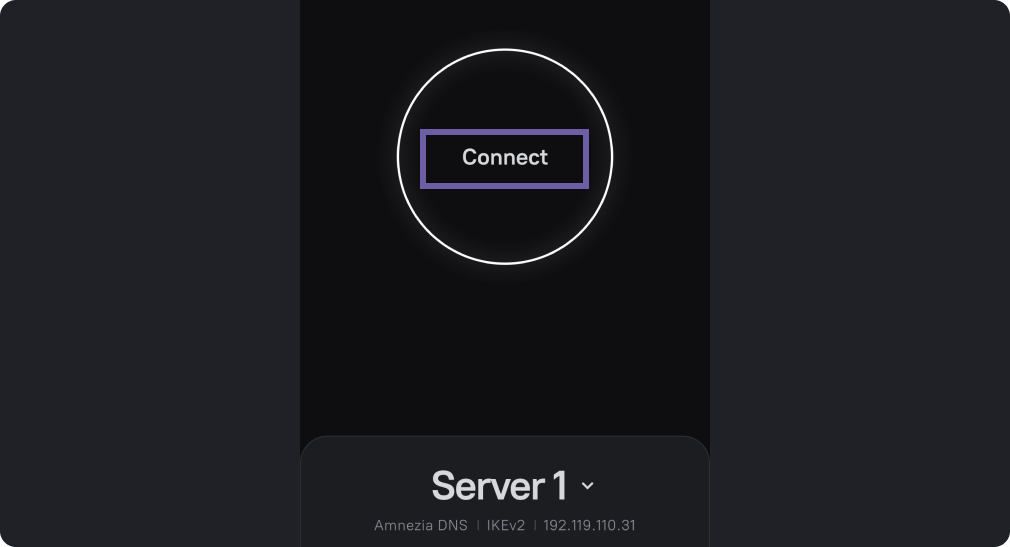
Changing the VPN Protocol
AmneziaVPN supports most modern protocols: AmneziaWG, XRay VLESS Reality, OpenVPN, WireGuard, IKEv2, and OpenVPN with the Cloak/Shadowsocks plugin. You can read more about protocols in the protocols description.
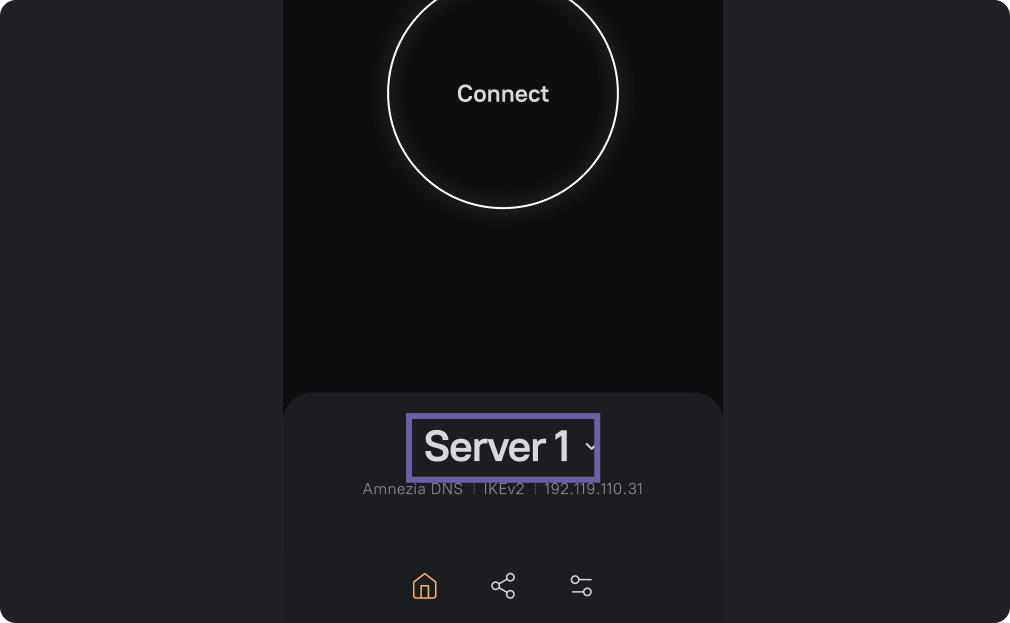
Open the AmneziaVPN app. On the main screen, click on the server name.
In the screenshot it is labeled "Server1".
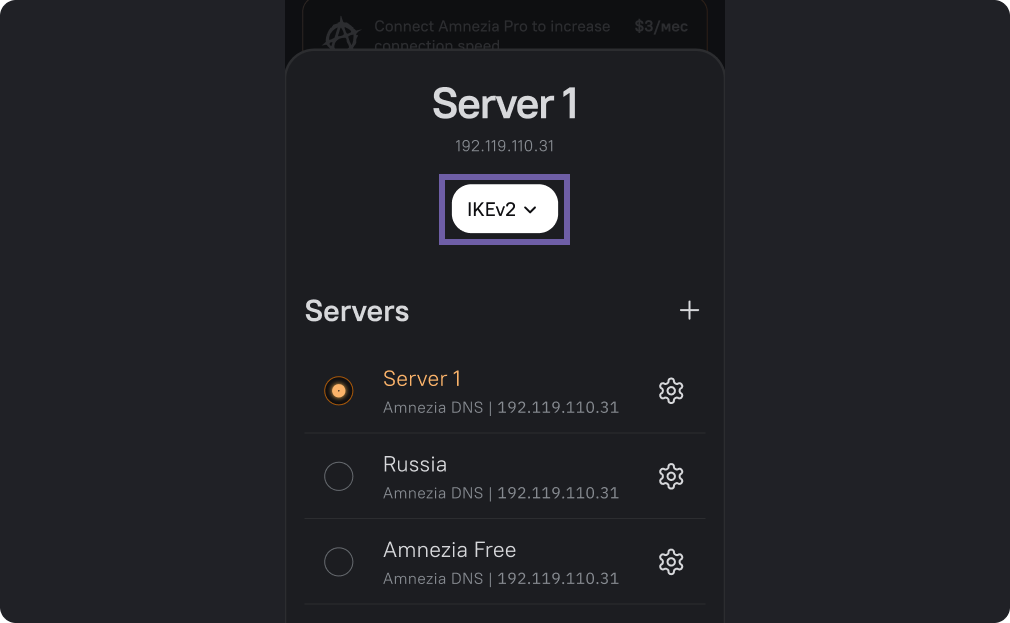
Click on the white rectangle with the name of the VPN protocol, as in the screenshot.
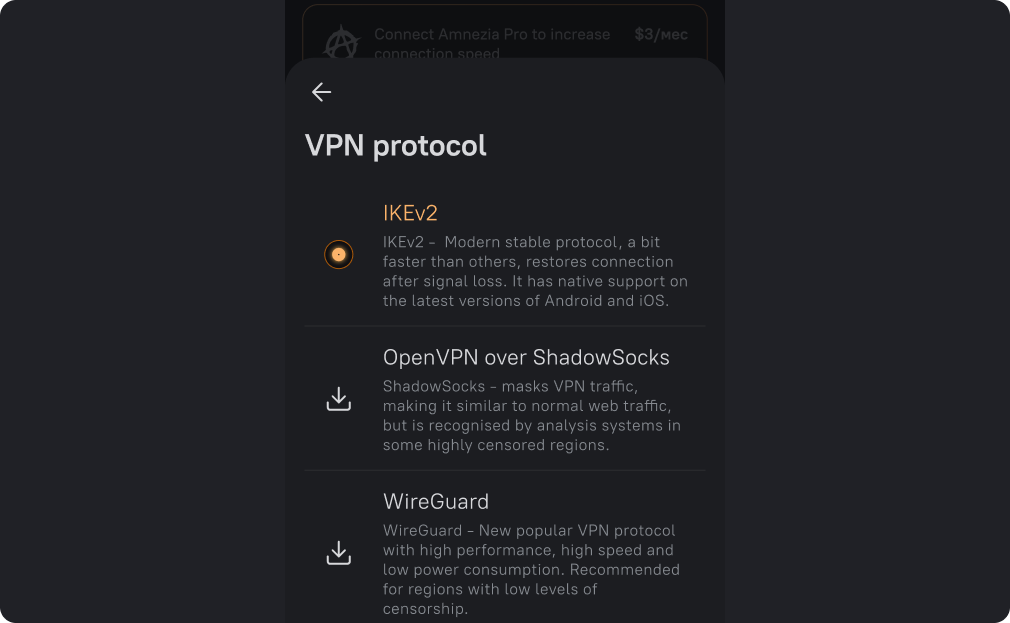
Select a protocol from the list.
If the desired protocol is not in the list, it means that a connect-only configuration has been shared with you, request a configuration with the desired protocols from the person who shared it with you, or connect to your own server.
Go back to the home screen, tap the "Connect" button.