Installing and Configuring Protocols
About the Protocols
AmneziaVPN is a multi-protocol self-hosted VPN client. It supports configuring and installing modern open-source VPN protocols: AmneziaWG, XRay VLESS Reality, OpenVPN, WireGuard, IKEv2/IPsec, OpenVPN with the Cloak/Shadowsocks plugin.
A more detailed description of the protocols can be found in this article. Below is how to install and configure VPN protocols in AmneziaVPN.
Open the AmneziaVPN home screen.
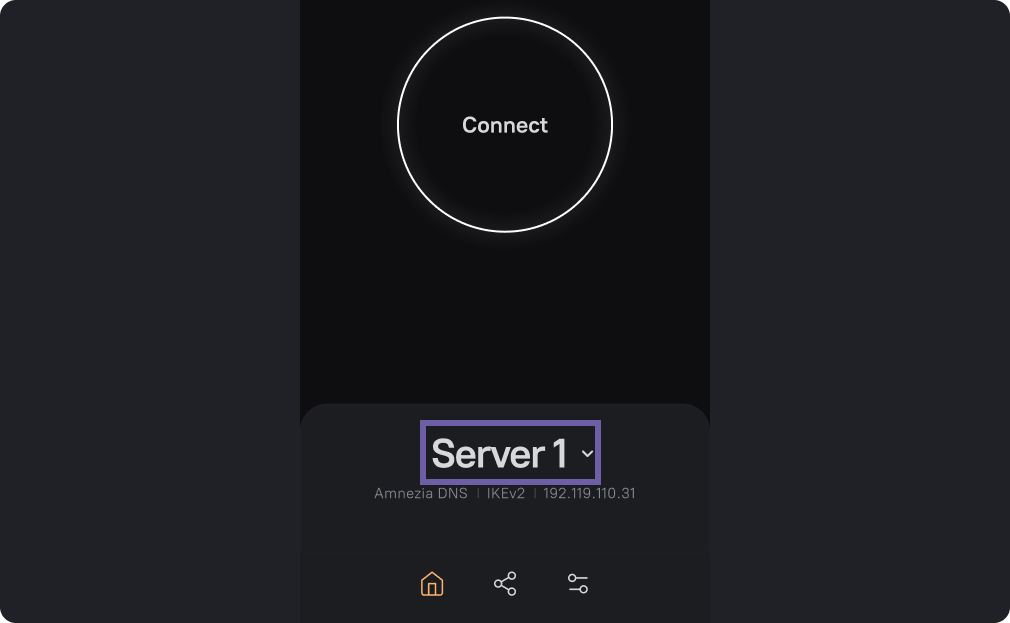
On the main screen, click on the server name.
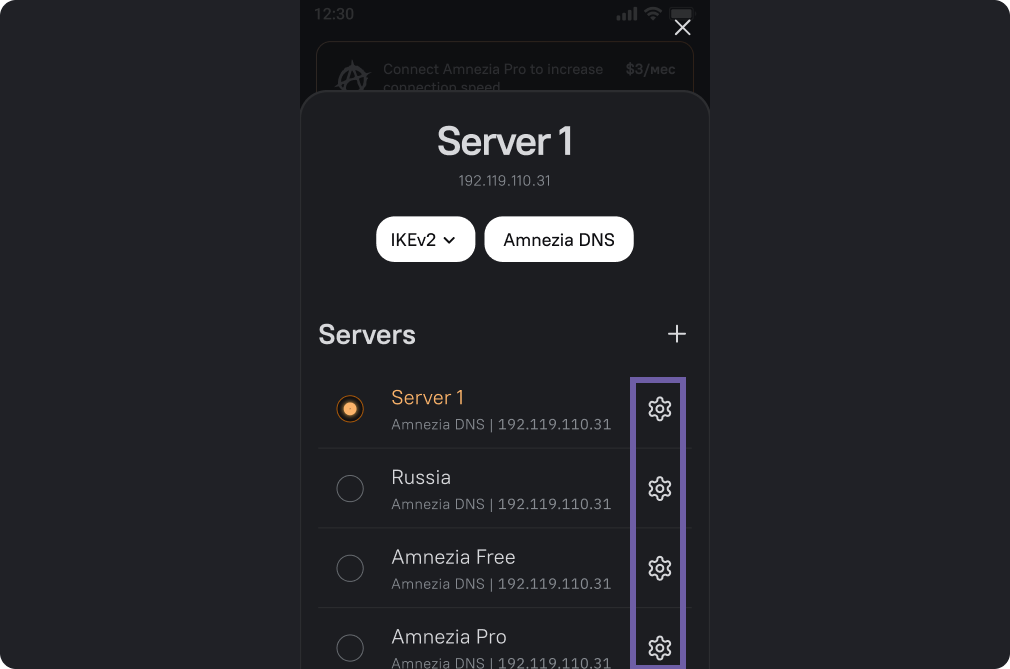
Click the gear icon to the right of the server name.
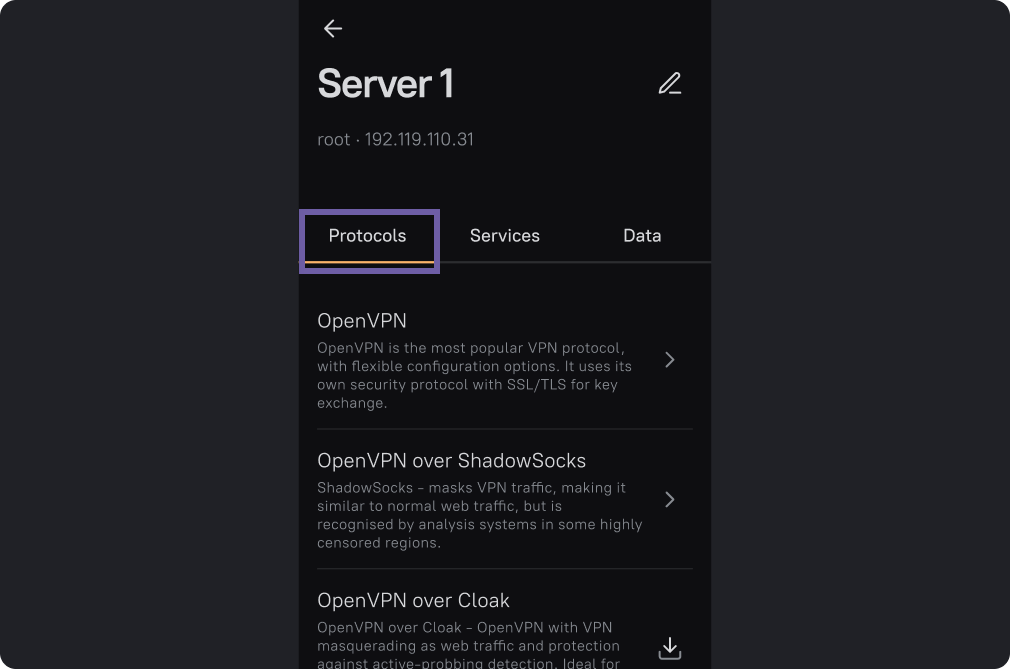
Click on the "Protocols" tab. Select the protocol you want to set.
If the protocol is already installed, the icon next to the protocol will change to an arrow.
In this case, if you click on the name of the protocol, you will get to its settings menu.
OpenVPN over Cloak
This involves configuring the Cloak plugin and the OpenVPN protocol.
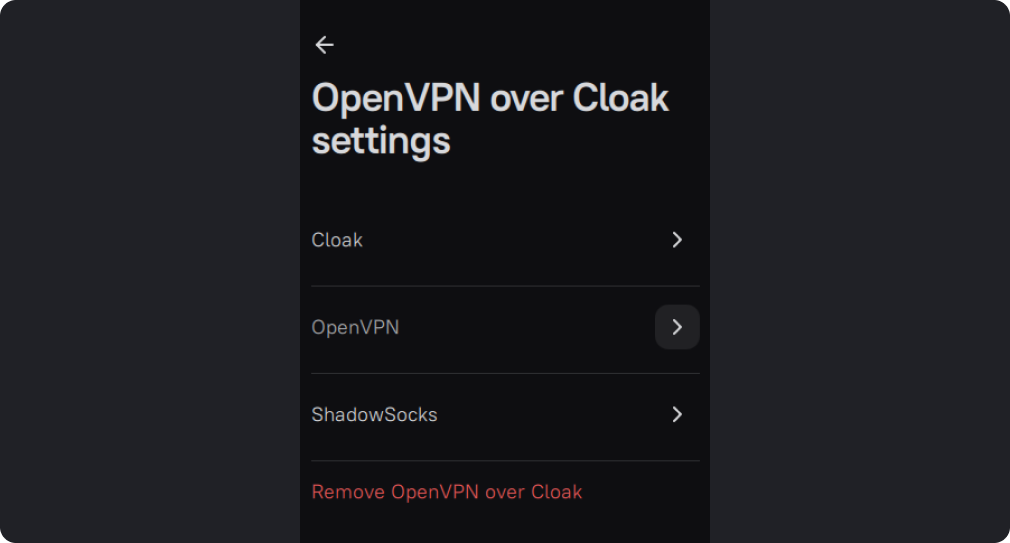
OpenVPN Settings
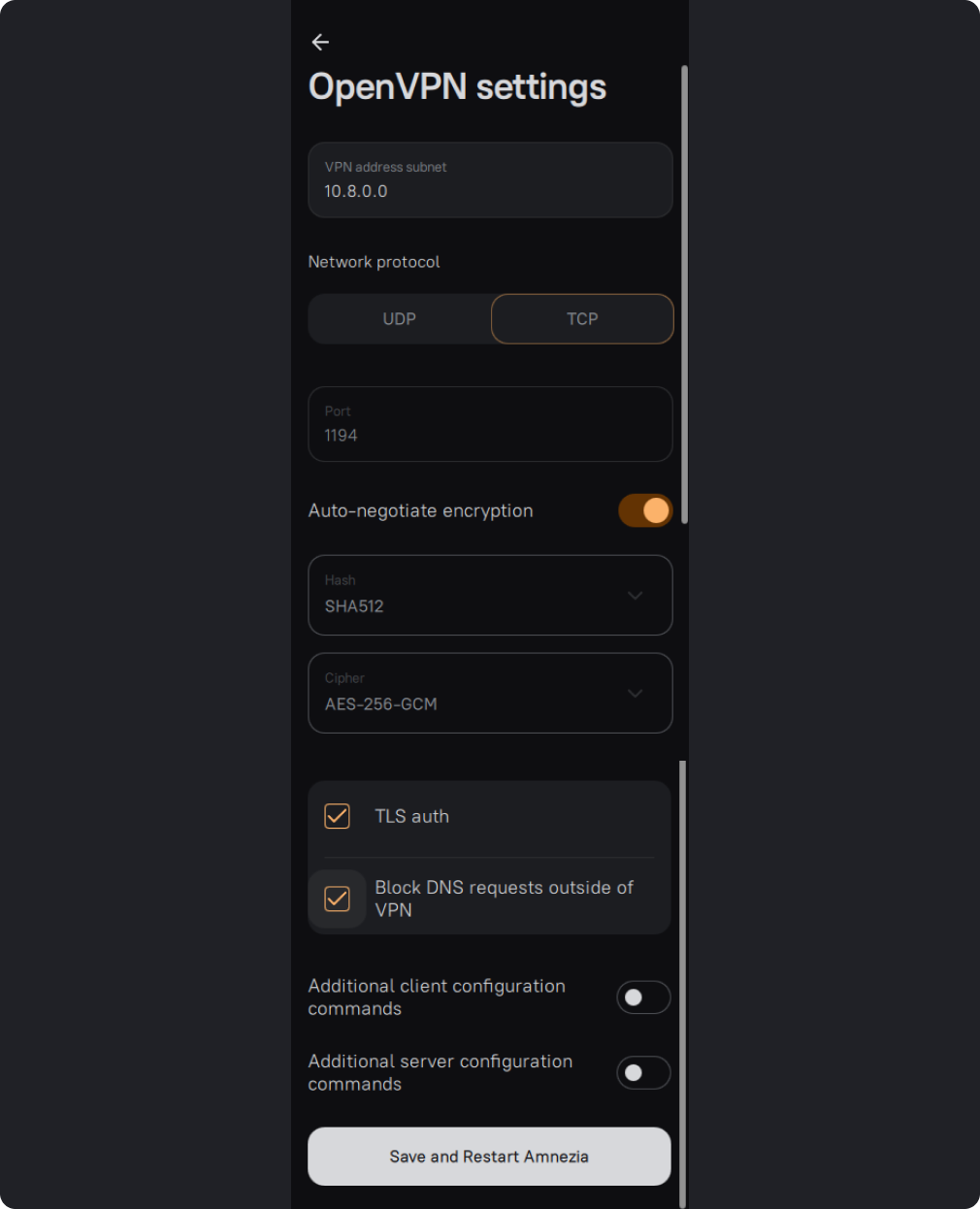
OpenVPN is highly configurable. You can:
- Change the subnet address.
- Choose the network protocol.
- Change the port.
- Choose the cipher and hashing algorithm.
- Enable TLS-auth — it adds an additional HMAC signature to SSL/TLS handshake packets and checks packet integrity. Packets without a signature are not processed. This improves SSL/TLS security and helps protect against some types of attacks.
- Enable Block DNS requests outside VPN — prevents DNS leaks.
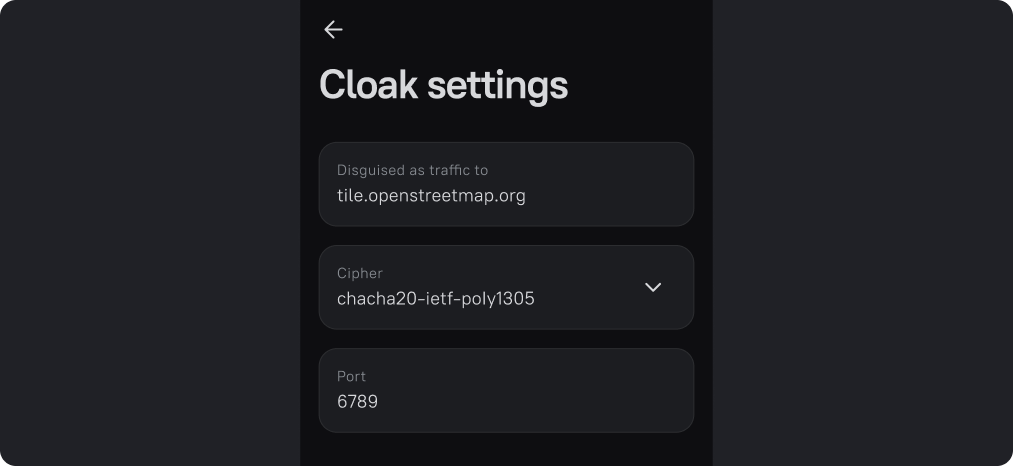
In the Cloak plugin settings and the XRay Reality settings, you can change the cipher and port, as well as choose traffic camouflage.
You can enter any website into this field. If DPI systems attempt to detect and intercept VPN traffic, they will see only this camouflage site instead of VPN traffic.
It's important that this is a foreign website that is accessible from your country without a VPN. In rare cases, the website owners may report phishing to your provider, so it's recommended to choose the site carefully.
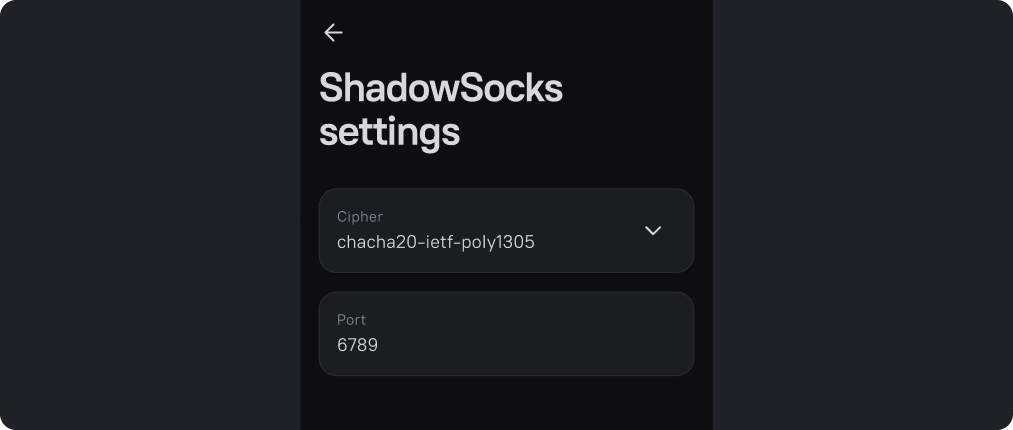
In the Shadowsocks settings, you can change the encryption method and port.
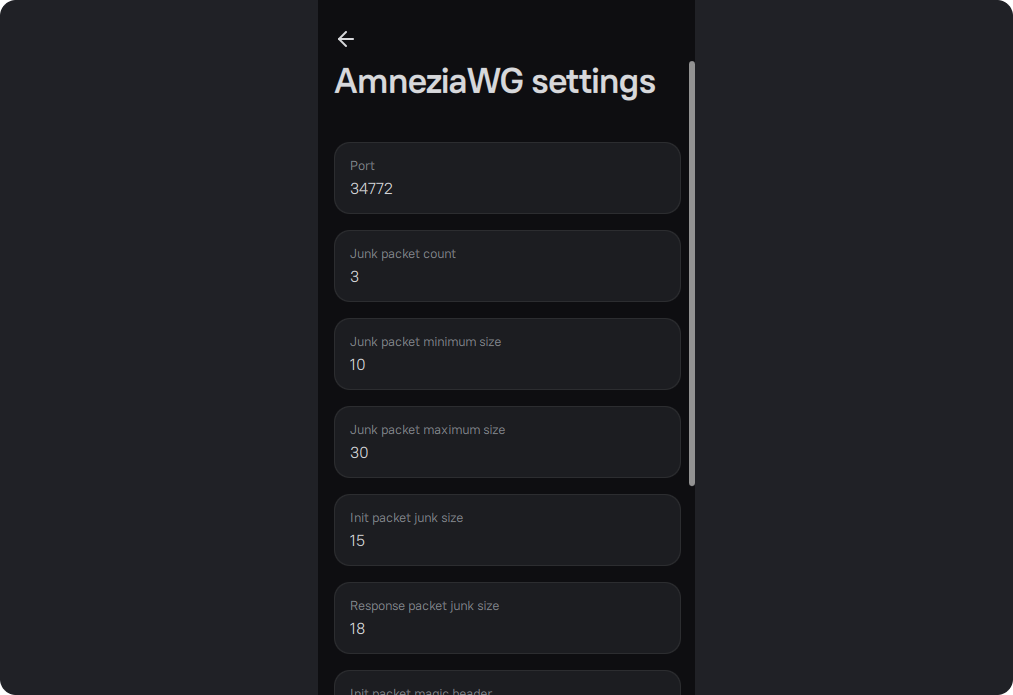
In the AmneziaWG settings, you can change the "Magic" headers and "Junk" packet sizes.